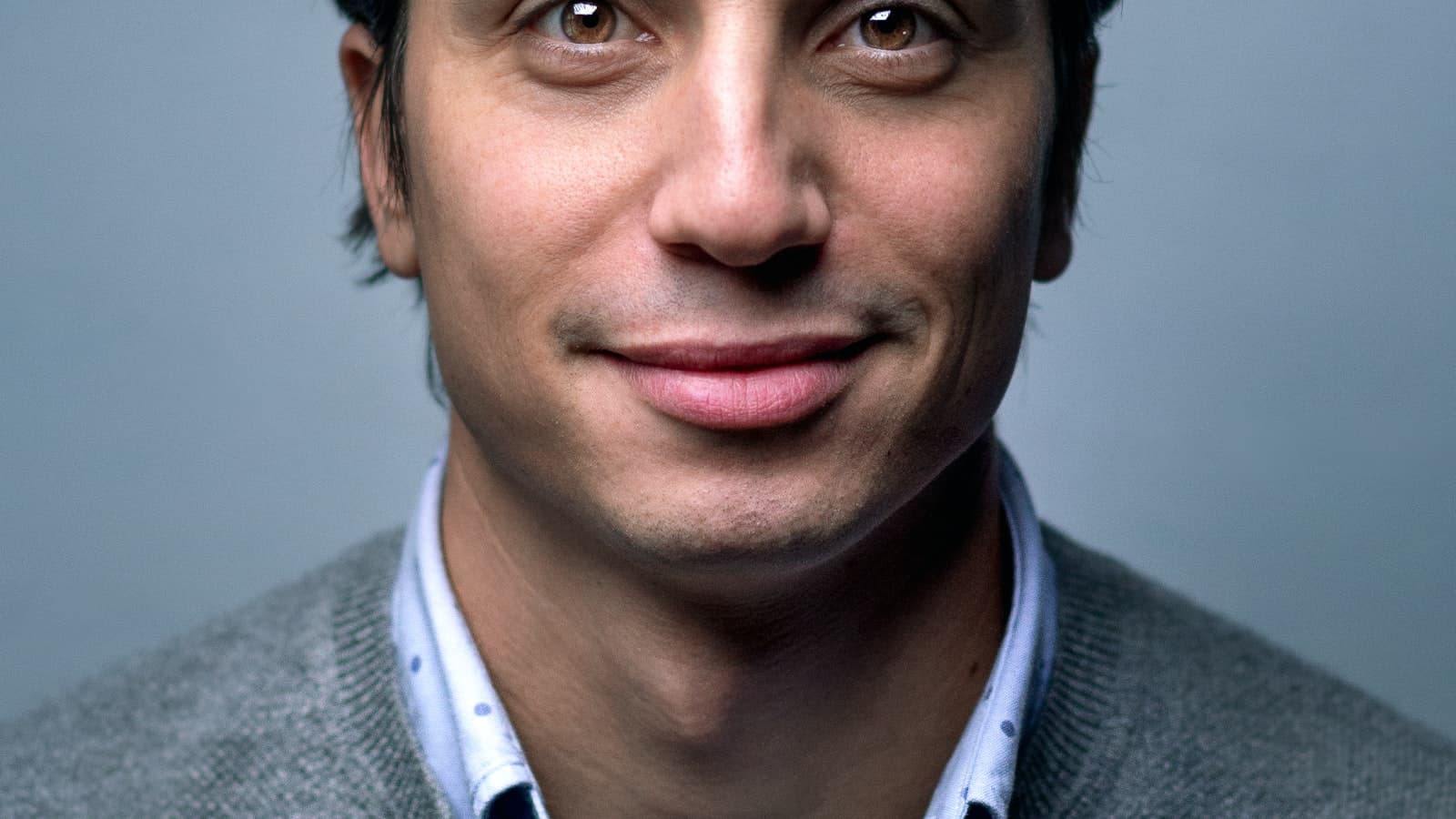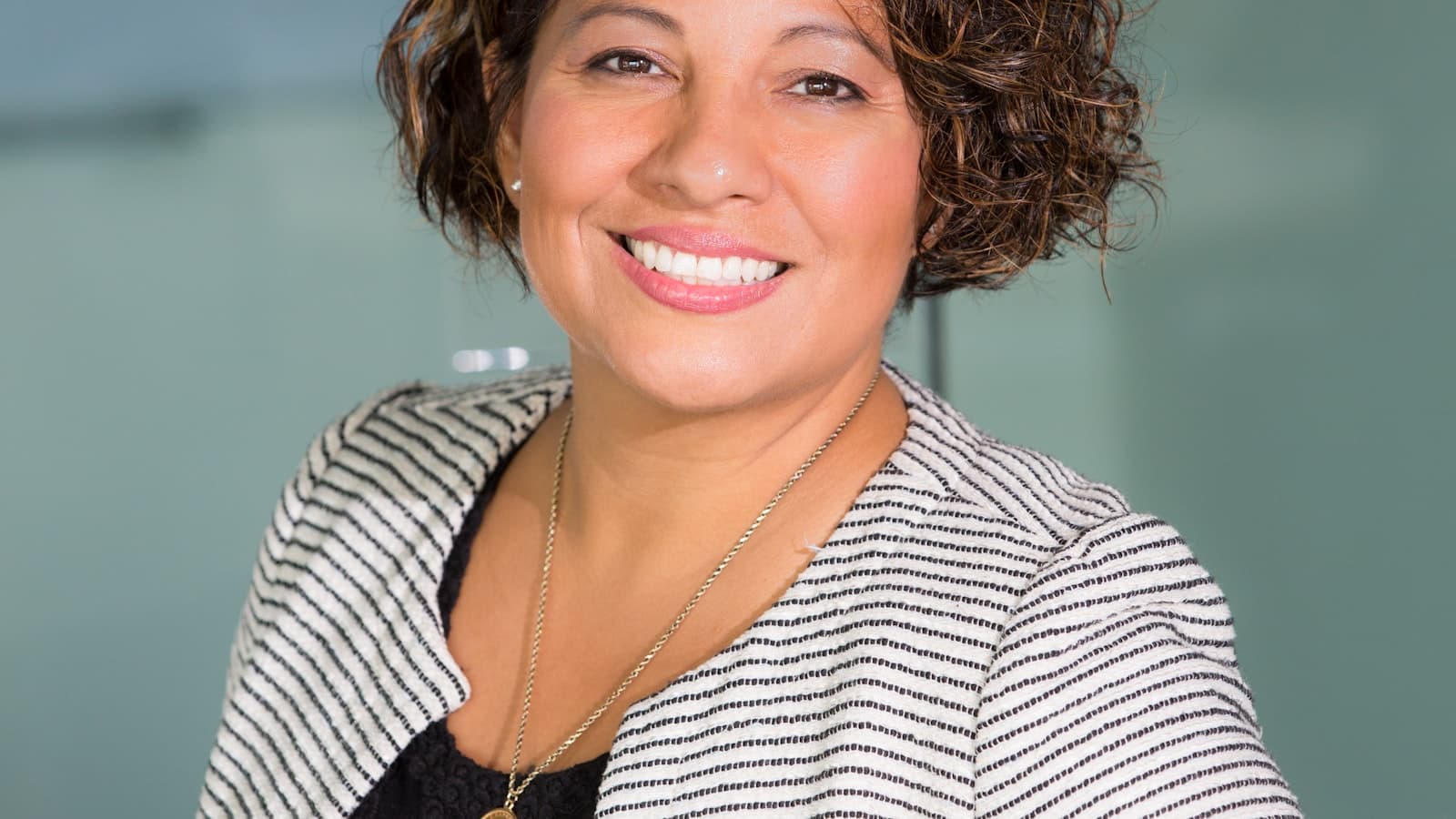
Most LinkedIn headshots fail in the same way: technically present but emotionally off. You can't quite tell why, but you wouldn't message that person about a deal. The fix isn't usually the camera — it's seven specific things that pros get right and amateurs don't. Here they are.
1. light from the side, never head-on
Flat, head-on lighting (most ring lights, most office overheads, most phone selfies near a window) erases facial structure. The face goes featureless. Studio headshots use side lighting — a key light at 45° plus a soft fill — to give the face depth, contour and a sense of three-dimensionality. The difference is immediate.
2. frame the chest up, not the face
Cropping too tight (face-only) is the classic selfie tell. Professional LinkedIn headshots include the upper chest — you should see neckline, shoulders and the start of clothing. This gives context, makes the image look composed, and stops it reading as "ID photo".
3. look slightly past the lens
Direct lens contact often reads intense — like you're being interrogated. A small adjustment — eyes on the photographer's forehead, or just past the lens — softens the gaze and makes the image more approachable. Counterintuitive, but it's how most professional headshots are shot.
4. half-smile beats full smile
Big toothy grins look forced in stills (they're fine in video where they're fleeting). For LinkedIn, you want the "between expressions" smile — relaxed mouth, slight upturn at the corners, eyes engaged. We direct clients into this on every shoot — most people don't do it naturally.
5. solid colour wardrobe, no logos
Patterns, logos, text — anything graphic — competes with your face for attention. The eye reads them first. Solid colours in flattering tones (deep navy, charcoal, burgundy, forest green) keep attention where it belongs. See our companion guide on what to wear for headshots for the full wardrobe brief.
6. retouch with restraint
The single fastest way to make a LinkedIn headshot look fake is to over-retouch. Smoothed-out pores, removed lines, reshaped jaw — viewers can't always articulate what's wrong, but they know. Professional retouching is about evening skin tone, removing blemishes that aren't characteristic, and adjusting colour. It doesn't change your face.
7. match the headshot to the background it'll live against
LinkedIn crops to a circle, sits next to other profile imagery on the page, and gets used as a thumbnail in search results. A headshot with too much background detail competes with everything else on the page; a headshot with too little context (face-only) looks like an ID photo. The middle path — clean background, chest-up framing, light against dark or vice versa — wins.
bonus: the consistency rule for team headshots
If you're refreshing a whole team's worth of headshots, consistency across people matters more than any individual image. Same backdrop, same lighting setup, same retouching style, same crop ratio. We routinely shoot 15-25 person team days where every headshot integrates cleanly into a website team page — see our headshot sessions service for how the team-day workflow runs.
booking a linkedin headshot session
We shoot LinkedIn headshots from our Tiptree, Essex studio — one hour from East London, free parking, half the central London rate. Individual sessions are £145 (one polished final image), team days from £900 for up to 15 people. Full details on the LinkedIn headshots page, or browse availability via the booking form.